Lav Love Stories
Wedding photography · Serbia
Our recommended partner for photography and videography at every kind of event. With a LoveChapter package you can unlock better terms.
Visit website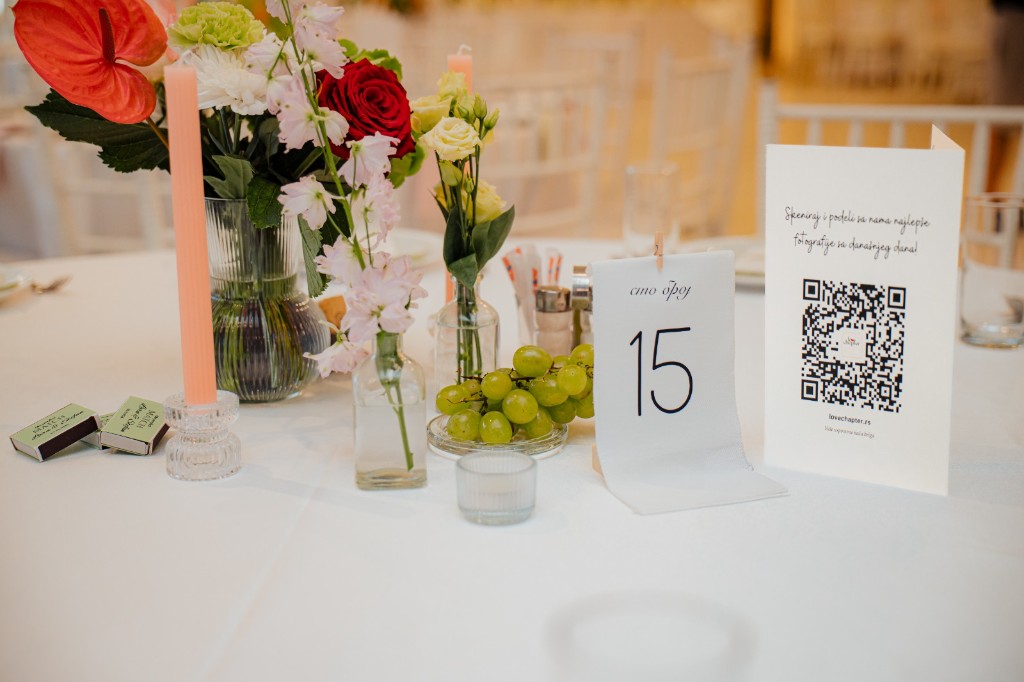

Your memories, our care
Guests scan a QR and send photos and videos with no app. You style the digital invite in the design studio, with map, calendar, and attendance confirmation. You draw the room plan yourself.
Pricing
You start every service from your account. The seating plan is free with an activated QR gallery, online invitation, or both as a package, otherwise 500 RSD.
1,200 RSD
One digital invitation
Design, schedule, map, calendar, and attendance confirmation. Wedding, birthday, baptism, or another event.
3,000 RSD
One wedding · link, QR, and design by agreement included
Guest link and QR, uploads from the day, and full-resolution downloads in your account. PNG/SVG QR and thank-you cards or table QR stands with our designer by agreement are included in the price.
500 RSD
500 RSD standalone · up to 5 plans per account
Tables, names, dance floor, and stage on a room plan. CSV or PNG for the venue. Free with an activated gallery, invitation, or package. Each plan is activated separately in your account.
4,000 RSD
Seating plan included with the package
QR gallery and online invitation together
A matching look from the first invite to the last guest memory. The seating plan is included at no extra charge.
In-account checkout is coming soon. Until then we arrange activation by message, usually within one business day.
The product
Guests see an elegant page. You edit design, visibility, and the guest list in your account.
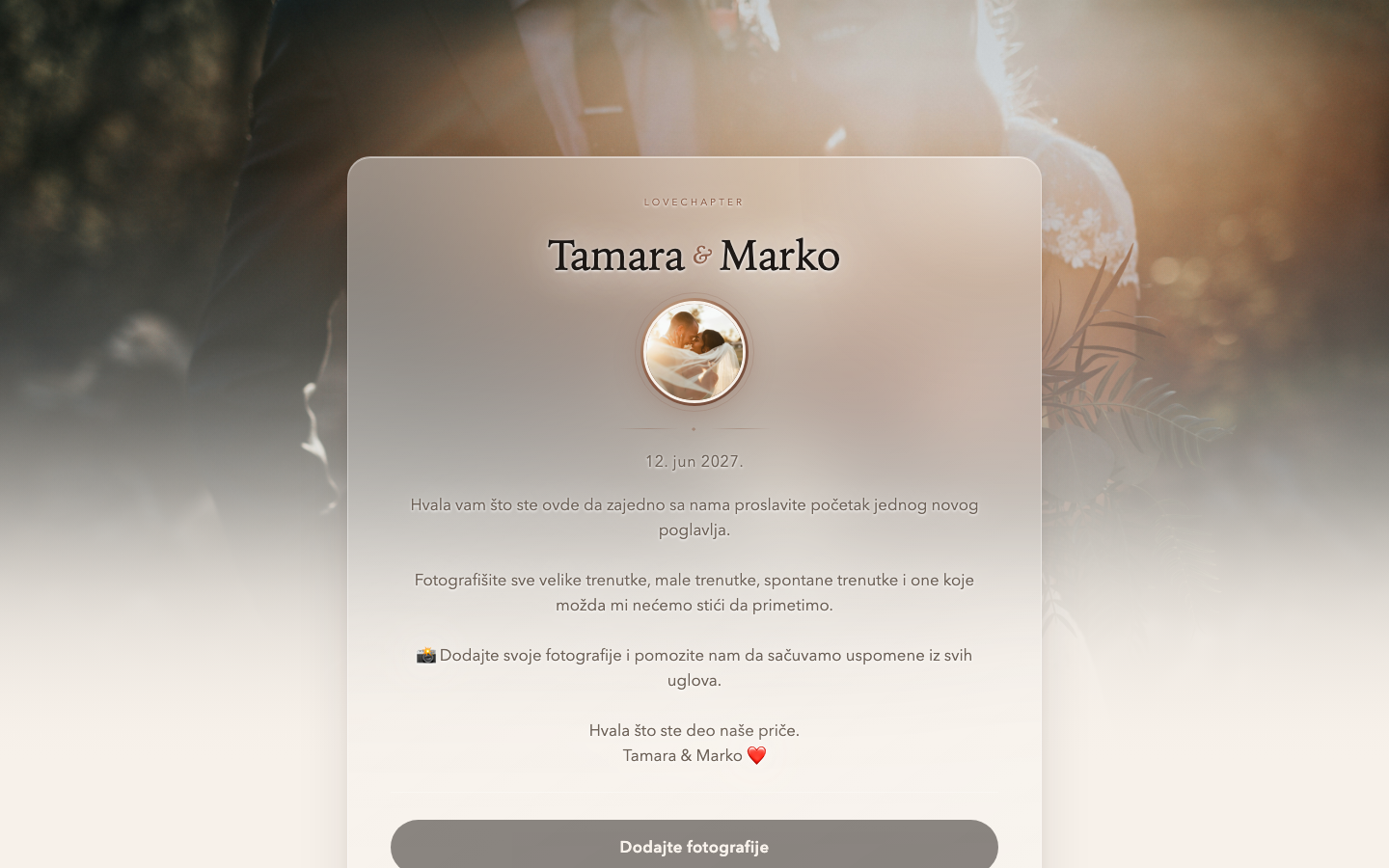
One link for all the memories from your wedding. Guests add photos and videos straight from their phones, with no app or account. You decide when the gallery is available and whether guests can see uploaded memories. In your account you download PNG or SVG QR files you can add to thank-you cards or drink menus you already planned, or simply add a QR code for each table. By agreement, our designer can prepare unique printed thank-you cards or QR codes with table stands, included in the QR gallery price.
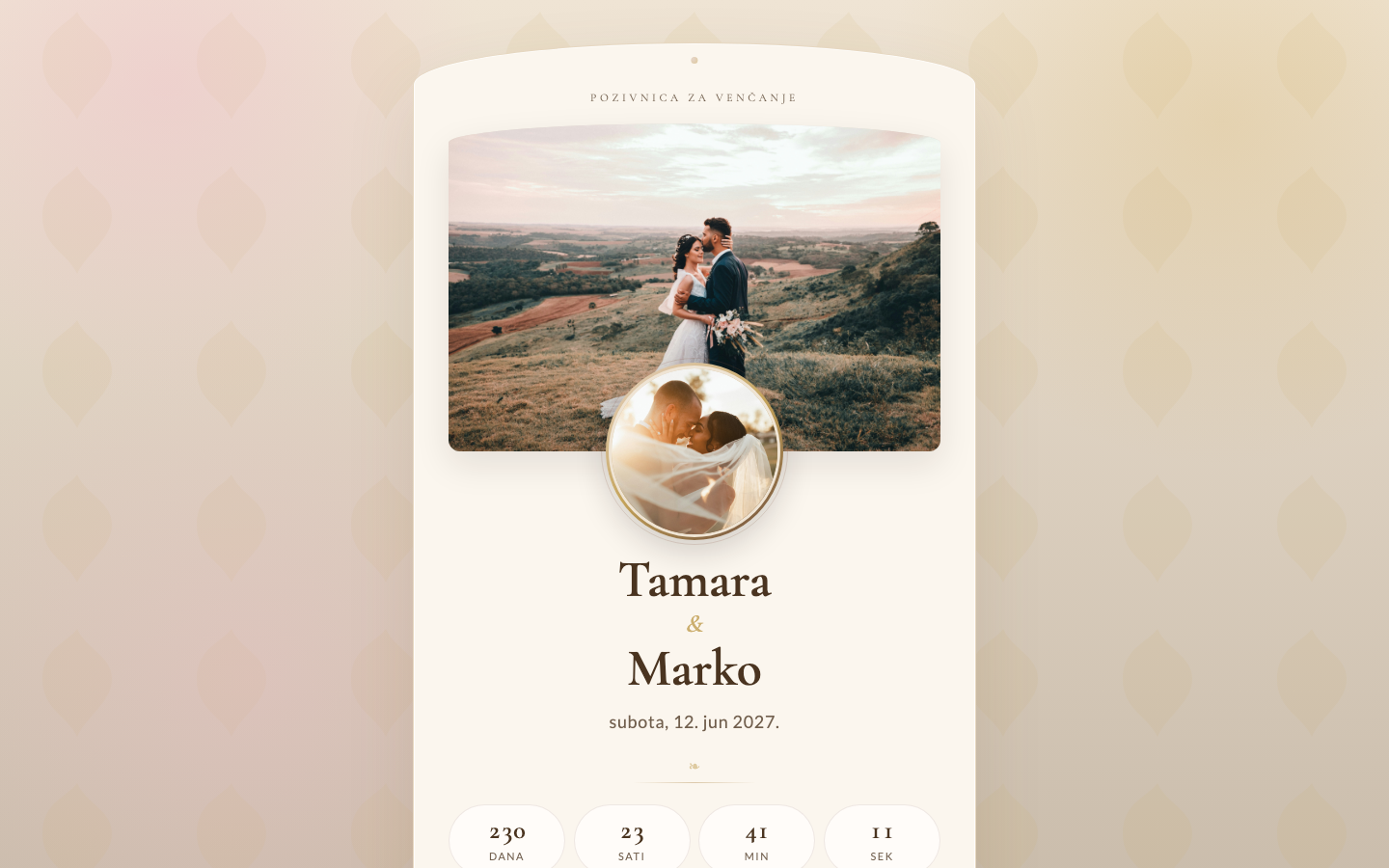
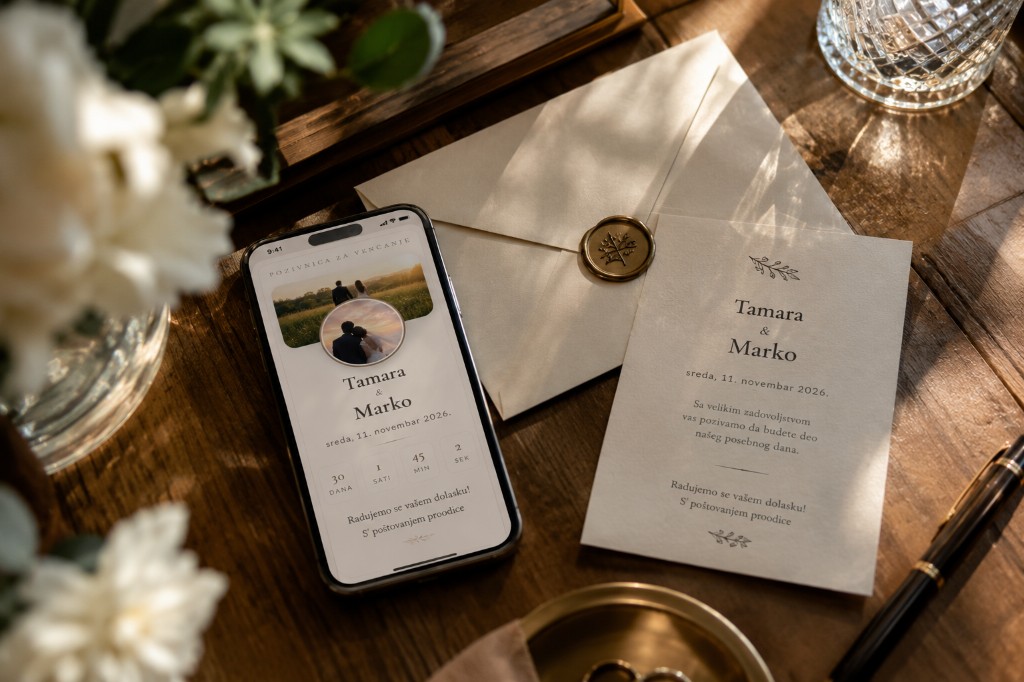
Letter reveal, your photos, day-of schedule, map, calendar, and attendance confirmation. Share the link in Latin or Cyrillic. On the day, the invite can point to the same gallery.
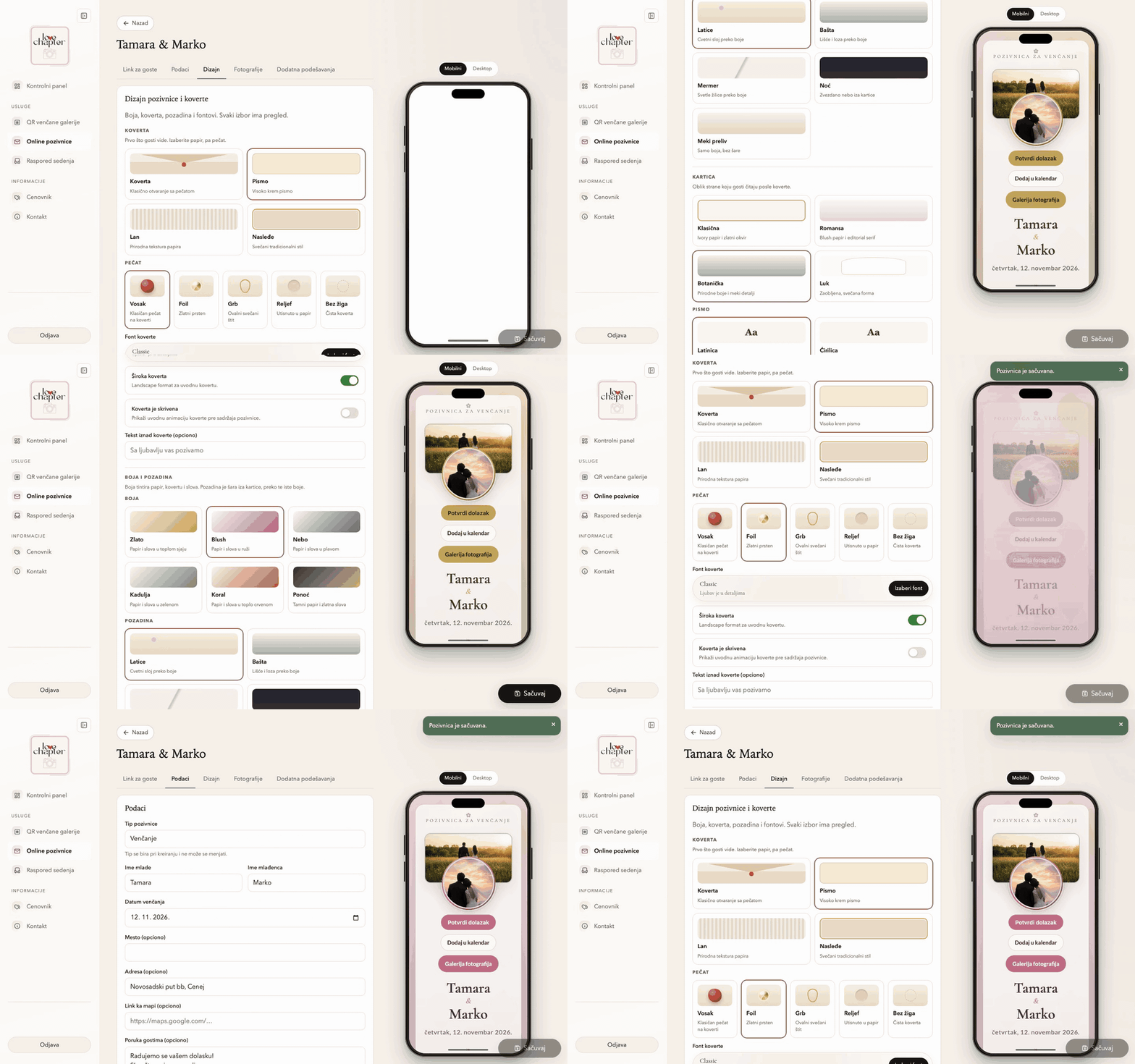
Color, envelope, seal, backdrop, fonts, and section order, with a live phone preview as you choose. Birthday, baptism, or another event: same studio, different copy and mood.
Room plan
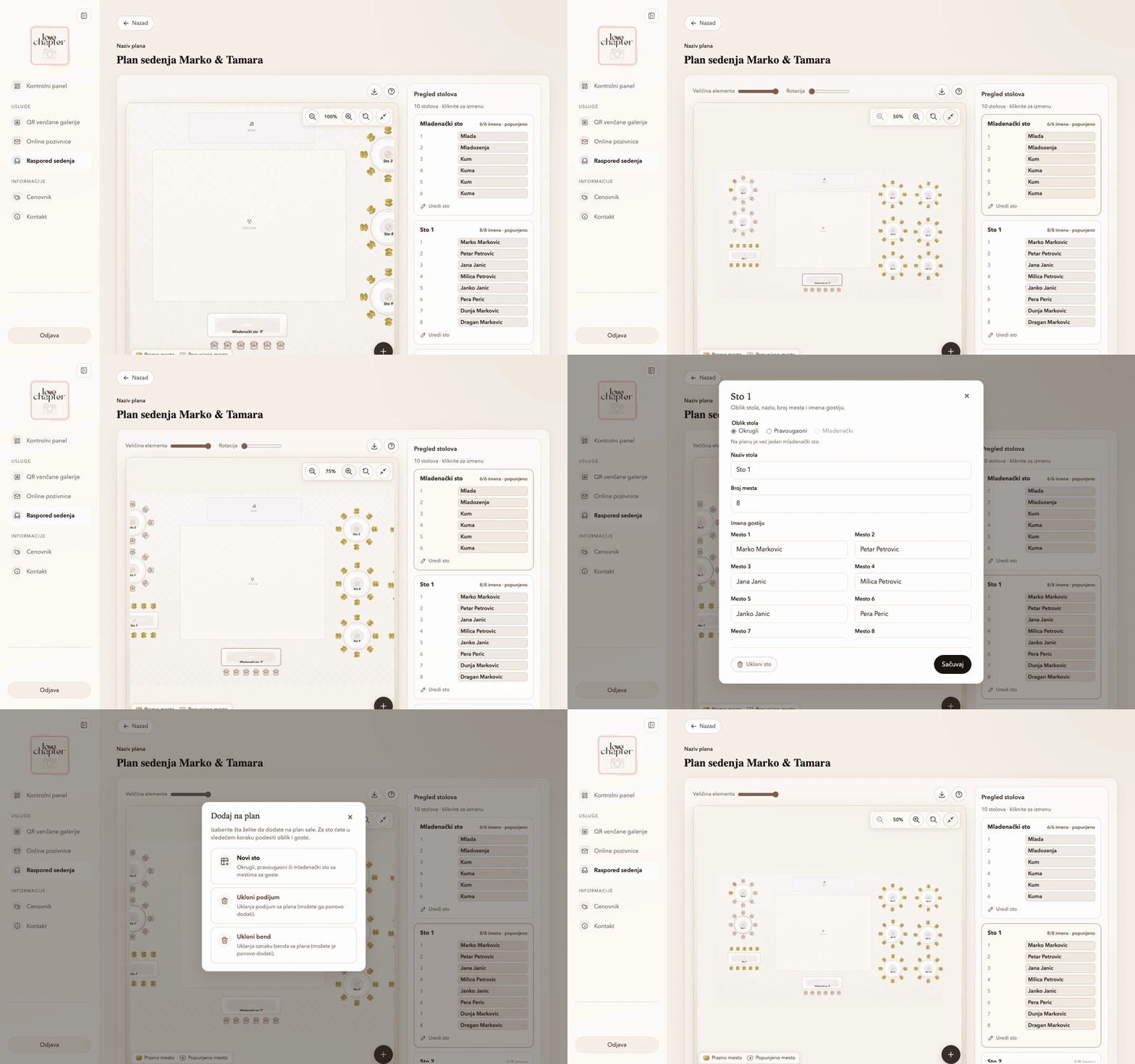
Arrange tables and names on a room plan, add a dance floor or stage, then send the venue a CSV or image. Up to 5 plans per account, each activated separately.
Attendance
The invite has a clear button. Guests enter their name and party size; you see who is coming in your account. The guest link stays the same when you update details.
For each invitation, choose whether you want attendance confirmation before sharing the link.
Name and how many people are coming. The response goes straight to your list.
See who confirmed and total headcount in one place, for your venue or planner.
How it works
Sign in, edit your content, and share when you are ready. If you get stuck on the first publish, message us.
An account on your email. One dashboard for galleries, invitations, and seating plans.
A new QR gallery, a new invite, or a new room plan. You can use all three.
Names, date, photos, colors, and sections. Phone preview before you publish.
Activate when you are ready. Guests open the invite, confirm attendance, or send photos and videos.
Support in your account
On My forms in the portal you message the LoveChapter team, follow the full history of messages and replies in one place, and get a fast answer, usually within one business day.
Other celebrations
Weddings are at the heart of what we do. Use the same invitations for a birthday, baptism, or new-baby welcome, without a new account.
Questions
No. Guests open the link in their phone browser or scan a QR. Only you create an account.
A QR gallery is 3,000 RSD, an online invitation is 1,200 RSD, and the invitation plus gallery package is 4,000 RSD. A seating plan is 500 RSD on its own, and free with an activated gallery, invitation, or package. It activates immediately in your account then.
In-account checkout is coming soon. Until then, write through the contact form or from your account. We arrange activation by message, usually within one business day.
Photos and videos guests upload, when you turn on the gallery view for guests and while the link is active. You always see everything in full resolution in your account and can download originals.
Yes. Same design studio, different event type and copy. The QR gallery is for weddings; invitations and seating also work for other celebrations.
Turn it on for the invitation. Guests enter their name and party size. You see the list and total headcount in your account, without group chats.
Our recommendation
We connect you with trusted vendors for photography, cakes, décor, and other day-of details. The list will grow. Through LoveChapter and combined packages, you get extras and discounts.
Wedding photography · Serbia
Our recommended partner for photography and videography at every kind of event. With a LoveChapter package you can unlock better terms.
Visit websiteComing soon: partners for cakes, décor, and more celebration services.
Contact
Tell us what you need and when the event is. We typically reply within one business day.
Prefer email? Write to us at contact@lovechapter.rs